Real machines, not a data center
Chips@Home draws on GPUs and CPUs that already exist in people's homes and workshops, hardware that's mostly sitting idle anyway.
 Chips@Home
Public beta · Forge available now for Windows
GG AI Forge is a local AI workstation for Windows: chat, knowledge, and agent jobs, no account required. Install it today, put it to work right away, and it doubles as the worker app for Chips@Home, a network built from real machines in real homes and workshops, once that network opens.
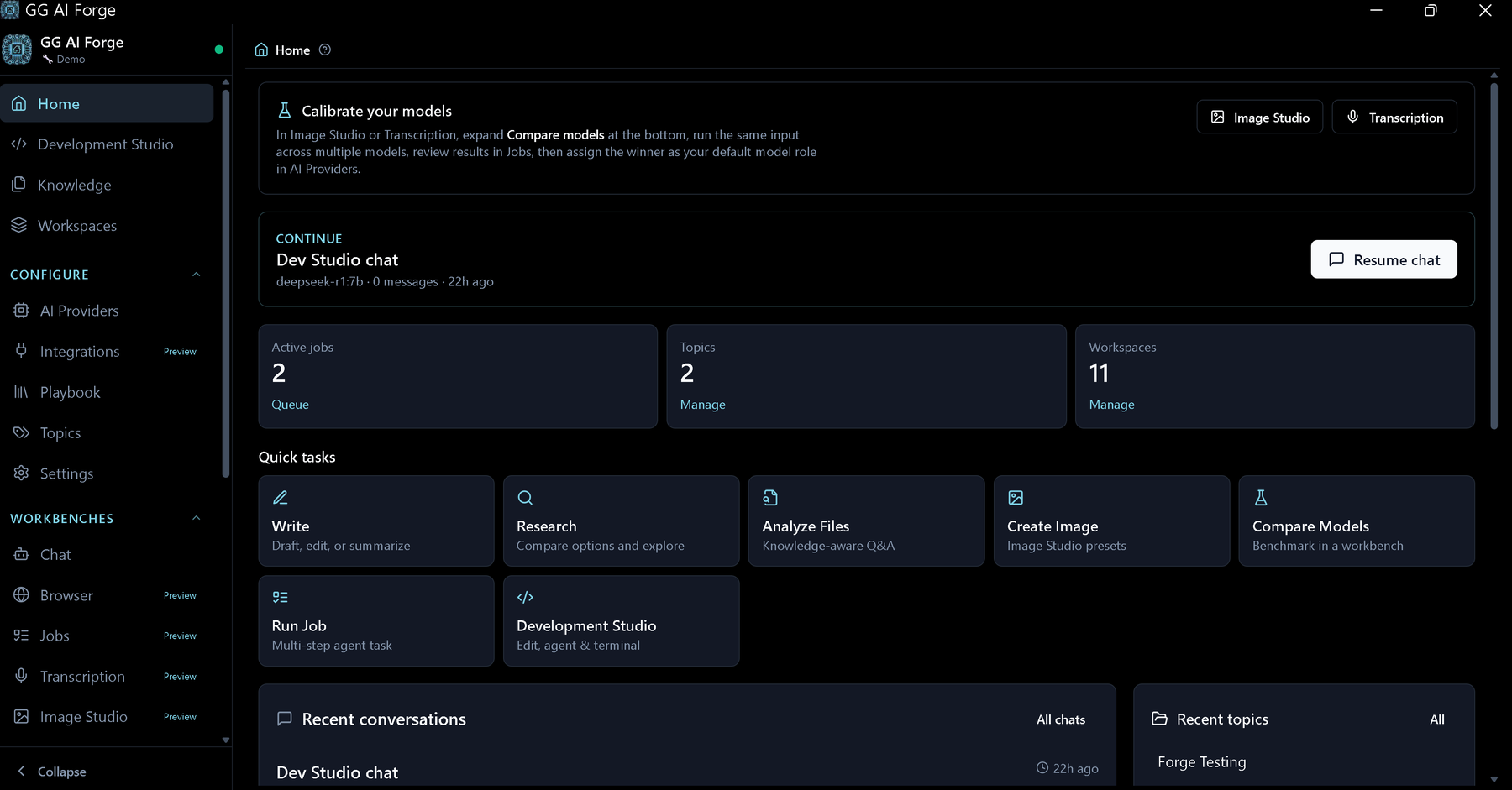
Same Forge engine. On Linux it runs in the browser at localhost, for always-on boxes and other agents. Chat pickers now group Latest / Stable / Older. DeepSeek and Groq are first-class providers.
Windows remains the double-click installer.
New this release
Also: Linux runtime for servers, see Download. Daily, Pro, and Advanced and Companion are still here.
See what's new on the download pageSame Forge. A calmer front door if you just need to get work done today. The full console is still there when you want it. Switch from the sidebar anytime.
New installs start in Daily. Existing installs stay Advanced.
Still here
One PC can be the shop Forge. Others on the same Wi-Fi join with a name and PIN. Chats stay per person.
See what's new on the download pageUse Forge from your phone while you are still in the building. Chat, jobs, and files, on the same Wi-Fi as the workstation. The PC runs the models and holds the files. The phone is just the screen.
Open Settings → Remote Access, scan the QR, walk away from the desk.
Still here
Optional desktop view uses Sunshine on the PC and Moonlight on the phone. Those are separate installs; Forge does not bundle them.
See Forge Companion on the download pageFour layers, one install
Easy to mix up at a glance, so here's the short version.
Chips@Home draws on GPUs and CPUs that already exist in people's homes and workshops, hardware that's mostly sitting idle anyway.
Nothing shares, borrows, or runs on the network until you turn it on. Leaving is as easy as joining was.
Work happens close to the source by default, and the network only adds to that. It never replaces running things on your own machine.
Start today
Forge is the desktop app that plugs into Chips@Home: chat, knowledge libraries, agent jobs, and image generation, all running on your own hardware. It's what you can install today, well ahead of the network itself opening up.
Explore ForgeSign in on chipsathome.com, confirm the device name Forge shows you, and you're connected, no tokens to copy by hand. It's optional, and Forge runs fully offline without it.
Accounts & devices
Forge Cloud tracks your paired devices and their status. Inference still happens on your own hardware, not ours.
Learn about Forge CloudStatus
It's easy for a website to drift from reality. Here's where things stand today.
Check full status